The Range Picker lets you define a date range from the From date to the To date, inclusive. First, choose the required level of granularity. Then either select the start date from the left calendar and the end date from the right calendar, or type the dates directly into the From and To fields.
The example below filters the query by all dates between 1 April 2009 and 30 September 2009, inclusive:
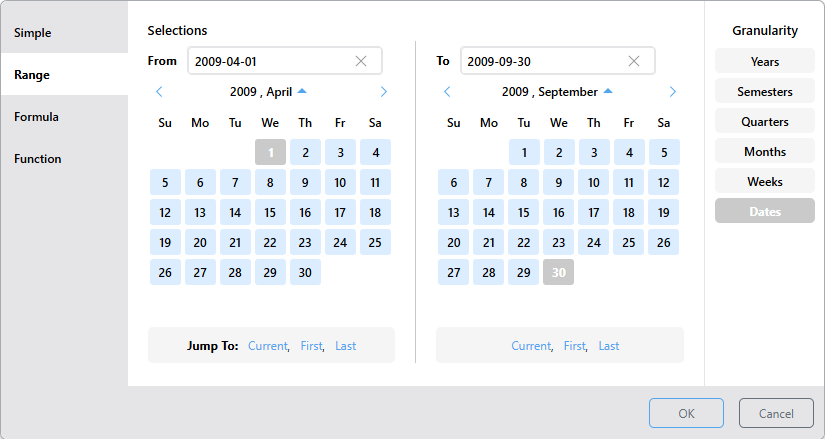
Tip: If you haven't selected a date from the date picker, the editable text field displays the expected date format (for example, YYYY-MM-DD). Selecting a date from the date picker automatically populates the field using the correct format. In either case, you can overwrite the value in the text field and press Enter to update the date.
This is an efficient way to filter the query by a range of dates that doesn't correspond with the granularity. For example, if you want to filter by Q1, you can either select Q1 from the Quarters level in the Simple picker, or you can select the start and end dates for Q1 from the Range picker; the easiest option is the former.
However, if you want to filter by a range of dates within Q1, say, 29 January - 4 March, this is easily achieved using the Range picker.